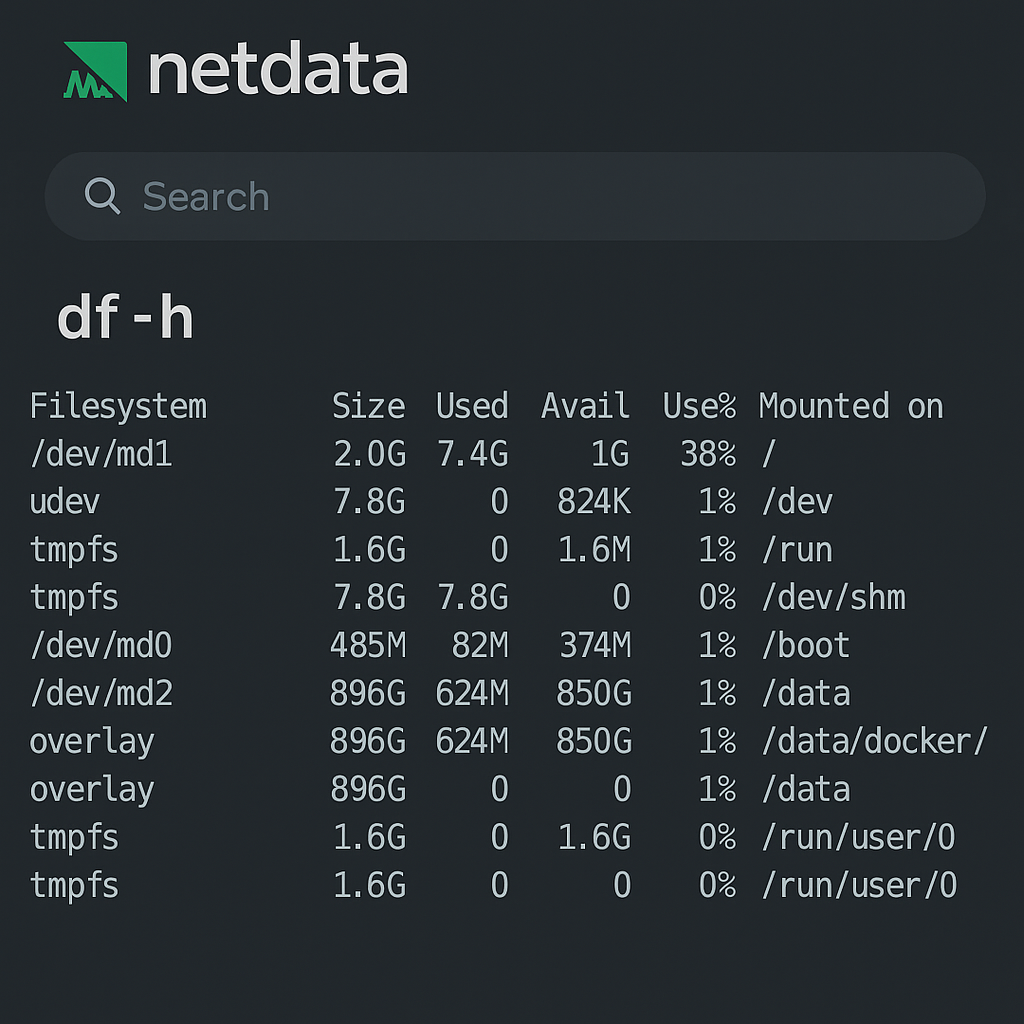
I recently noticed that one of my Ubuntu servers had its root partition sitting at 50% usage, even though I wasn’t storing anything big there. A quick du -h --max-depth=1 / pointed straight to /var/log — and then:
du -h --max-depth=1 /var/log/journal | sort -hr
Boom:
2.5G    /var/log/journal
2.0G    /var/log/journal/5330e28d081b4c28ab99eddbd2f2f709.netdata
Apparently, Netdata had its own systemd journal namespace, happily filling /var/log/journal with its own logs.
That’s fine in theory — but when your root partition is only 20 GB, that’s not ideal.
Why it happens
Systemd can isolate logs for services running in their own namespace.
When Netdata runs as [email protected], it creates a directory like:
/var/log/journal/<machine-id>.netdata/
It’s just normal journald data, but it isn’t bound by the main journald size limits.
Fix: keep the logs, cap their size
Instead of deleting the whole thing (and losing history), I decided to keep Netdata’s journal but apply a size limit.
Here’s what I did:
sudo mkdir -p /etc/systemd/[email protected]
sudo nano /etc/systemd/[email protected]/limit.conf
Added:
[Journal]
SystemMaxUse=500M
SystemKeepFree=100M
MaxRetentionSec=14day
Then reloaded journald:
sudo systemctl restart [email protected]
That’s it — now Netdata’s isolated logs stay under 500 MB automatically.
If you want to clean it once manually:
sudo journalctl --directory=/var/log/journal/5330e28d081b4c28ab99eddbd2f2f709.netdata --vacuum-size=500M
Bonus: automatic cleanup
You can also run this weekly via cron if you prefer a belt-and-suspenders approach:
@weekly /usr/bin/journalctl --directory=/var/log/journal/5330e28d081b4c28ab99eddbd2f2f709.netdata --vacuum-size=500M >/dev/null 2>&1
Result
Disk usage on /dev/md1 dropped instantly, and the log directory now hovers around a few hundred megabytes — exactly what I wanted.
I still get full visibility through Netdata’s own metrics, without it eating my root partition.
TL;DR
If your Netdata box is leaking disk space:
- Check
/var/log/journal - Keep the
.netdatajournal - Add a
[email protected]/limit.confwithSystemMaxUse=500M
Clean, persistent, and no surprises next time you df -h.